Imperial Arachno Academy · Example
One hero, concept by concept
The hero of a café page, the real blocks with their classes and custom styles: an eyebrow, a heading, two paragraphs and a framed picture, built from what the Framework page teaches. Make your browser window narrower and watch it stack at the md breakpoint, 767px, as its md band says. Below it, the same hero taken apart in the Von Block Editor.
Café Von Block · Vienna
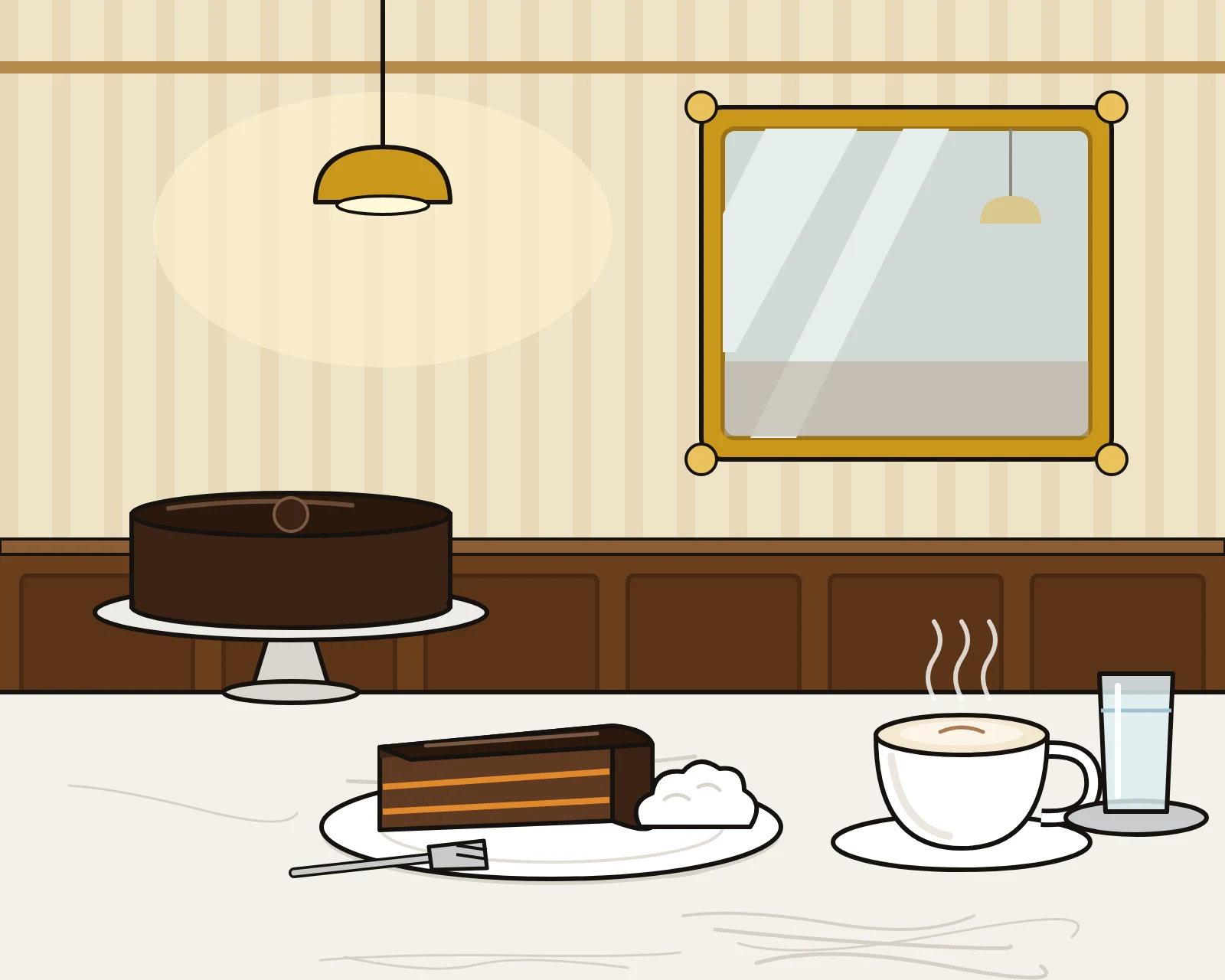
The Sachertorte, as Vienna has baked it since 1832
Chocolate sponge, a thin layer of apricot jam and a dark glaze that snaps under the fork. We serve it with unsweetened whipped cream, a Melange and a glass of water, as a Viennese café should.
Open every day from eight in the morning. No reservations: the marble tables are first come, first served.
Taken apart in the Von Block Editor
Each part of the hero above is selected in the Von Block Editor, one thing is changed to show what it does, and the change is shown on the canvas. None of it was saved.
1
The grid: widths in columns
Select the text column. In the hero it is width-c6: six columns and the five gutters between them. To show it, the film starts it at width-c4, four columns, and with the grid showing over the canvas types width-c6: it takes the place of width-c4, and the column grows by two columns and two gutters, exactly on the grid.
2
Breakpoints: one band each
Press the md band. It turns black, the canvas shows the page at the md breakpoint, 767px, and the box starts with md- for you. Here the column is width-c12, and width-c6 above it goes grey: it does not apply at this breakpoint. The hero has flex-direction-column in the same band, so the picture goes below the text.
3
Colors: a class per role
Select the hero. Its background is background-color-surface, the cream every section of this site uses. Type background-color-secondary-pale and it takes its place. The class says what the color is for, so the whole site can be recolored in the settings without touching a block.
4
Typography classes: fonts by name
Select the heading. It has one class, typo-hero: the font, its size at every breakpoint, its weight and its color in one. Type typo-h-xl and it takes the place of typo-hero, as a block has one typography class. The fonts themselves are never named on a block; the typography style names them.
5
Utility classes: one property each
The hero is a row because of utility classes in its default band: display-flex, align-items-center and gap-g1. Type align-items-flex-start: it takes the place of align-items-center, and the text moves from the middle of the row to its top.
6
Composite classes: several declarations, one name
Select the picture. Its border, rounded corners and gold shadow are one composite class, .frame. Press its pill and the window shows the class’s own declarations: whatever you typed now would change every framed picture on the site. Press block to come back to this one.
7
Custom styles: the one-offs
The hero’s height belongs to this hero only, so it is a custom style: min-height: 640px at the default breakpoint and min-height: 0 at md. Type min-height: 520px and a second line appears under the first: the later one wins, and the earlier one turns grey. Take the old one off with its ×.
8
And a state
Select the picture, press + state and pick :hover. The window says what it is writing: the :hover of this block, custom styles only. rotate: -1deg tilts the picture a little, while the mouse is on it.
Next
What are you waiting for?!
You have seen the Editor, the Framework and a real-life example of how it works. The next step is your own site! Or wait a minute: do you need Claude to help you with it?
Try it now
Take the reins yourself
Reading about it is one thing; ruling it is another. Pick your way in: build by hand in a WordPress that runs right in your browser, or take a real demo site for an hour and let Claude build it while you give the orders. Nothing to install and no account in either.
WP Playground (no Claude)
A whole WordPress with Von Block that runs right in your browser. It is never busy, and what you change stays in your browser. Everything works there except Claude, which cannot reach a site inside your browser: take the hero apart here while the demo sites are taken.
Claude enabled demo site
A real WordPress site with Von Block, yours for an hour. Connect Claude to it and ask for a page. It requires a Claude subscription, and you connect to the site through a Claude Connector in Settings → Connectors.
There are only a few of these sites, so at times they are all taken; the button says when the next one is free.